Windows Insiders Test Phone Controls and Built-In Speed Tests
October 24, 2026
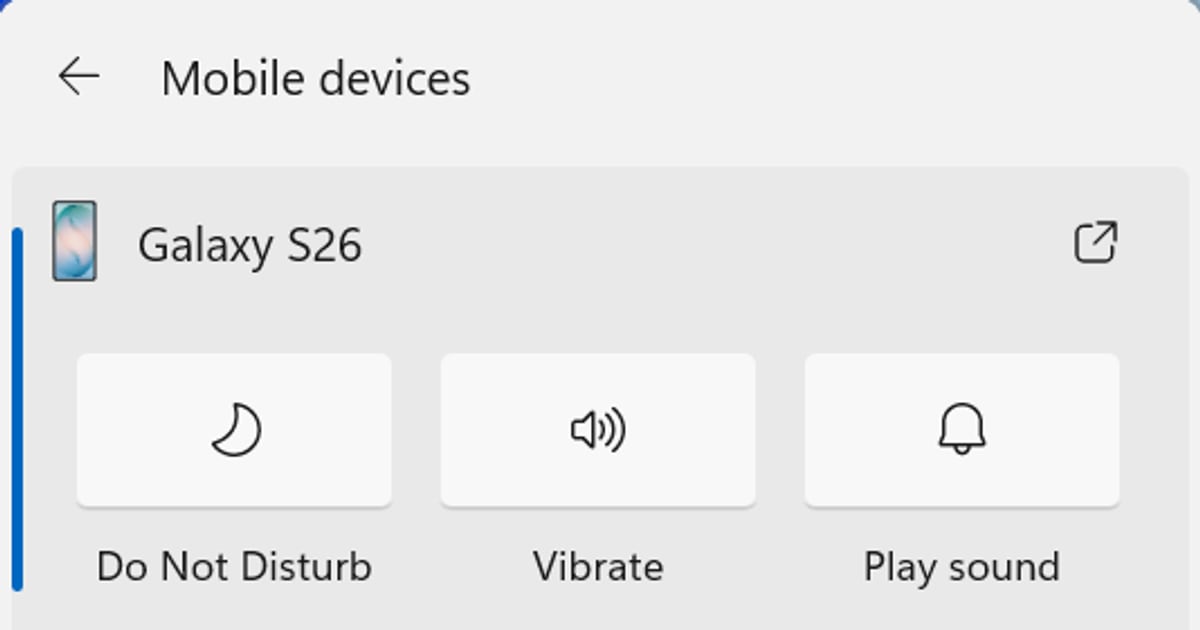
Read Original: MicrosoftMicrosoft released new Windows 11 Insider Preview builds on October 23, including Experimental-channel changes to Quick Settings. The update begins rolling out a Mobile devices experience for connected phones.
With a supported Android device, Microsoft describes actions such as changing the ringer mode, enabling Do Not Disturb and playing a sound to locate the phone. Capabilities vary by device, with more limited iPhone support.
The preview also places internet speed tests and results inside Quick Settings. Results appear without redirecting users to a browser.
These are Experimental-channel features with gradual rollout. Microsoft warns that Insider experiences can change or never reach a wider release, so this is not a general Windows launch.
For teams working across phones and PCs, the useful direction is fewer interruptions for small actions. Whether the change helps will depend on the devices, permissions and daily routines in each workplace.
JetherVerse's practical takeaway is to evaluate convenience features separately from the systems the business needs to remain dependable. A preview may be worth examining on a test device without making it part of a required operational process.
For example, a support team might find quick phone controls useful before a call. It should still have a familiar alternative if a device disconnects or the feature is absent.
An internet speed result also answers a limited question. It can show the performance of the active connection at that moment, but it does not by itself identify why a particular website, application or video call is slow.
When investigating a problem, record the time, affected service and whether it occurs on other devices or networks. That context gives the support team more to work with than a single number.
Adopt a feature after checking how it behaves in the environment where people will use it.
Helping businesses test changes and troubleshoot everyday device workflows fits JetherVerse's technical support service: https://jetherverse.com/services/technical-support
Source:Microsoft