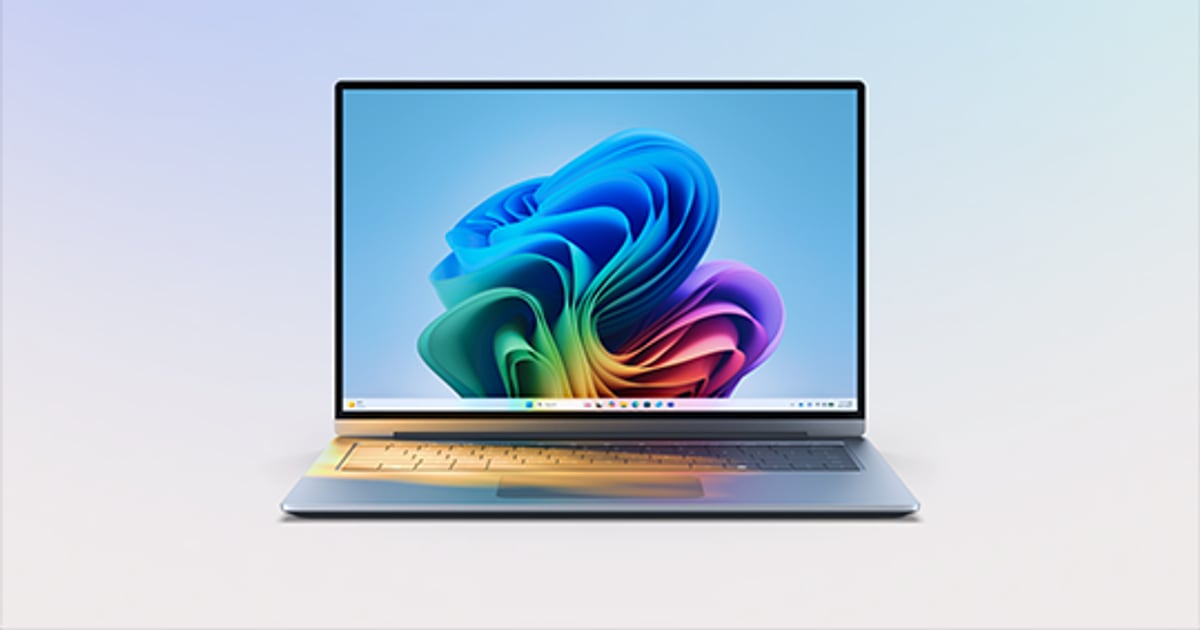
Microsoft details Windows 11 memory improvements for 8 GB PCs
November 5, 2026
Read Original: MicrosoftMicrosoft outlined memory and responsiveness improvements for 8 GB Windows 11 PCs in a November 3 update. The changes include tuning memory compression, prioritising active interactions and reducing resource use across Windows and key applications.
Microsoft directs users to Windows 11 version 26H2, build 26300.9818 or later, and current Edge, Microsoft 365 and Teams updates. Its performance figures depend on the tested devices and workloads. The company also distinguishes available improvements from planned work, such as sharing more components between apps. It continues to recommend more memory for demanding tasks.
JetherVerse perspective: For a small business, the useful test is whether existing equipment can complete its actual working day comfortably. A general performance announcement should prompt a practical review, rather than an automatic purchase or a promise that every older laptop will behave like a newer one.
Choose a typical workflow before comparing the experience. For example, imagine an administrator handling a video meeting, a spreadsheet, an order dashboard and several reference tabs. Record which step causes delays and repeat that same sequence after approved updates. Keep the files and working conditions reasonably consistent.
Our recommendation is to review the complete device. Available storage, the applications that start automatically and the work a person needs to perform all belong in the discussion. Do not decide that a computer needs replacing solely because one memory-use indicator looks high.
Update planning also deserves attention. Check that important business applications remain usable, keep the necessary recovery arrangements and schedule installation when a restart will cause the least disruption. A staff member should know whom to contact if an essential application stops working.
If problems remain, describe them in terms of the task being interrupted. Slow file opening, a delayed meeting response and a long export may require different investigations. Clear observations give support staff a better starting point than a broad statement that the machine feels slow.
Businesses can then make a proportionate decision: maintain the device, adjust its working setup or budget for suitable replacement hardware. The goal is dependable work within an affordable plan.
Cover image: Microsoft.
Source:Microsoft